Smart locks are no longer futuristic, they’re practical upgrades that eliminate fumbling for keys in the rain and let homeowners manage access from anywhere. Google’s Nest smart lock brings the company’s reputation for intuitive design and ecosystem integration to residential door hardware. For DIYers considering an upgrade, understanding what the Nest lock offers, how it installs, and whether it fits their existing setup matters more than marketing promises. This guide breaks down the hardware, features, installation requirements, and real-world considerations for anyone evaluating Nest’s entry into smart home security.
Table of Contents
ToggleKey Takeaways
- The Nest smart lock is a motorized deadbolt retrofit that operates via Bluetooth, Wi-Fi, and Thread, allowing remote control through the Google Home app without requiring a separate hub.
- Installation typically takes 30–45 minutes for DIYers and fits standard North American doors with 2-1/8-inch cross bore and 1-inch edge bore dimensions.
- The Nest smart lock provides multiple access methods including app control, keypad PIN codes, physical keys, and voice commands, with fallback options if batteries or Wi-Fi fail.
- Temporary and scheduled access codes eliminate manual code changes, while activity logging and real-time notifications help homeowners track entries and exits for security monitoring.
- Nest smart lock integration with Google Home enables automation like auto-locking when the last person leaves or coordinating with Nest cameras for delivery verification.
- At $279–$299 with no subscription requirements for core features, the Nest smart lock is competitively priced, and professional installation adds $75–$150 if DIY setup isn’t feasible.
What Is the Nest Smart Lock and How Does It Work?
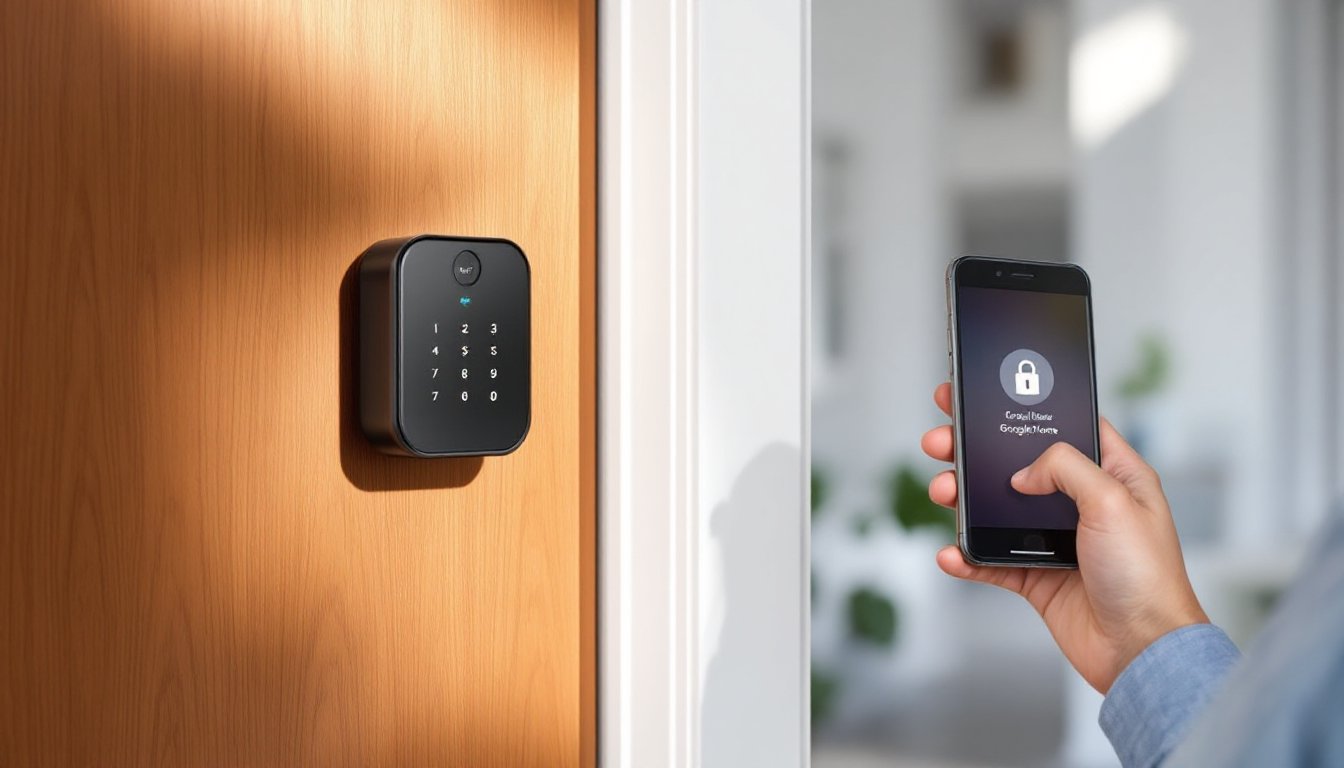
The Nest smart lock is a motorized deadbolt replacement designed to retrofit existing door prep. It operates via Bluetooth, Wi-Fi, and Thread (a low-power mesh protocol), allowing remote control through the Google Home app without requiring a separate hub.
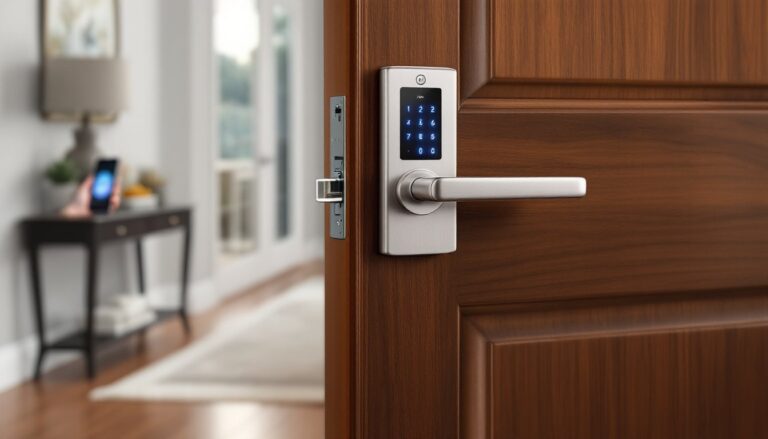
Physically, the lock replaces a standard 1-inch throw deadbolt on doors with a 2-1/8-inch cross bore and 1-inch edge bore, the dimensions found on the majority of residential exterior doors in North America. The exterior escutcheon houses a keypad and optional physical key cylinder, while the interior assembly contains the motor, battery compartment (four AA batteries), and manual thumb turn.
Users unlock the door via the Google Home app, keypad PIN codes, physical key, or voice commands through Google Assistant-enabled devices. The lock also supports auto-unlock when a paired smartphone with Bluetooth approaches, though this requires location permissions and the app running in the background.
The mechanical deadbolt remains functional even if batteries die or Wi-Fi goes down. The keypad and physical key provide fallback access, making complete lockouts unlikely unless someone loses both their phone and physical key simultaneously.
Key Features That Set Nest Smart Lock Apart
Remote Access and Activity Monitoring
The Nest lock logs every entry and exit, timestamped and attributed to specific users or methods (PIN, app, key). Homeowners receive real-time notifications when the door locks or unlocks, useful for tracking when kids get home or confirming a contractor left.
Temporary and Scheduled Access Codes
Through the Google Home app, users create time-limited PIN codes for guests, cleaners, or deliveries. Codes can expire after a single use or on a set schedule, eliminating the need to change codes manually after someone’s access period ends.
Auto-Lock and Departure Routines
The lock can automatically engage the deadbolt after a set delay (30 seconds to 10 minutes). It also ties into Google Home routines, locking when the last person leaves (based on phone location) or at a scheduled time each night.
Tamper and Forced-Entry Detection
Sensors detect prolonged keypad attempts, forced rotation, or door removal. Alerts push to the homeowner’s phone immediately, and the lock can trigger connected Nest cameras to start recording.
Privacy Mode and Manual Overrides
A privacy setting disables remote unlocking and auto-unlock, useful when someone’s home and wants assurance the door won’t open unless physically operated. The interior thumb turn always functions, regardless of app settings or connectivity.
Installation and Setup Process
Tools and Materials Needed
- Phillips-head screwdriver
- Tape measure
- 2-1/8-inch hole saw and 1-inch spade bit (only if drilling new door prep)
- Four AA batteries (lithium recommended for longer life)
Most installations take 30 to 45 minutes for someone comfortable swapping door hardware.
Step-by-Step Installation
- Remove the existing deadbolt. Unscrew the interior and exterior components, then slide out the latch assembly from the door edge.
- Check door thickness and backset. The Nest lock fits doors 1-3/8 to 2 inches thick with a 2-3/8-inch or 2-3/4-inch backset (distance from door edge to center of bore).
- Install the latch. Insert the new latch assembly into the edge bore, aligning the faceplate flush with the door edge. Secure with the provided screws.
- Mount the exterior escutcheon. Thread the cable through the bore, align the tailpiece with the latch mechanism, and seat the escutcheon against the door.
- Attach the interior assembly. Connect the cable to the motor housing, slide it over the tailpiece, and tighten mounting screws. Do not overtighten, this can bind the mechanism.
- Insert batteries and test. Load four AA batteries, then manually turn the thumb turn several times to confirm smooth operation.
- Pair with the Google Home app. Open the app, tap Add device, and follow prompts to connect via Bluetooth. The lock will prompt a firmware update on first pairing.
Common Installation Challenges
Door misalignment: If the deadbolt doesn’t extend smoothly, the door may need adjustment. A deadbolt that binds during manual operation will cause motor strain and early battery drain.
Non-standard bore sizes: Older or custom doors may have odd measurements. Nest provides a drilling template, but if significant modification is needed, consider hiring a locksmith.
Metal doors: Installation is identical, but drilling metal requires carbide bits and cutting fluid. Pre-drilled metal doors accept the lock without modification.
Integration with Google Home Ecosystem
The Nest lock’s strongest advantage is native integration with Google’s smart home platform. It doesn’t require third-party skill enabling or workarounds, it simply appears in the Google Home app alongside thermostats, cameras, and speakers.
Voice Control via Google Assistant
Users can lock the door with a voice command to any Assistant device: “Hey Google, lock the front door.” Unlocking via voice requires setting up a voice match PIN for security, Google Assistant asks for a four-digit code spoken aloud before disengaging the deadbolt.
Automation with Nest Cameras and Doorbells
When paired with a Nest Doorbell or Nest Cam, the lock enables coordinated responses. Example: a delivery person rings the doorbell, the homeowner sees them via the doorbell camera, and unlocks the door remotely through the same app to allow package drop-off inside.
Cross-Device Routines
Google Home routines can trigger multiple actions from a single command or condition. A “Goodnight” routine might lock the door, lower the thermostat, turn off lights, and arm the security system simultaneously. A “Leave Home” routine can lock the door when the last phone leaves the geofence.
Thread Border Router Requirement
The Nest lock uses Thread networking for low-power, reliable mesh communication. This requires a Thread border router, which most recent Google Nest Hub models and Nest Wi-Fi Pro routers provide. Without one, the lock falls back to Bluetooth and Wi-Fi, which works but with slightly higher battery consumption.
Security and Privacy Considerations
Encryption and Data Handling
All communication between the lock, Google’s servers, and user devices uses end-to-end encryption. PINs and access logs store on Google’s servers, subject to the company’s privacy policy. Users concerned about cloud storage can disable remote access, limiting control to local Bluetooth only.
Physical Security
The lock includes a physical key cylinder as a backup. This also represents a potential vulnerability, if someone picks or bumps the cylinder, the smart features become irrelevant. High-security cylinders (Medeco, Mul-T-Lock) can replace the standard cylinder for added pick resistance, though this voids some warranty coverage.
The exterior escutcheon bolts from the interior, preventing removal without access to the inside. Tamper sensors detect forceful attacks, but a determined intruder with time and tools can defeat most residential locks, smart or traditional.
Code and App Vulnerabilities
Google issues firmware updates automatically when the lock connects to Wi-Fi. Keeping the Google Home app updated ensures users receive security patches. The lock disables after five consecutive incorrect PIN entries, locking out brute-force attacks for several minutes.
Power Failure and Connectivity Loss
Dead batteries don’t prevent physical key access. The lock provides low-battery warnings in the app starting at 20% capacity, typically giving weeks of notice. If Wi-Fi or internet service drops, local Bluetooth control still functions within range.
Pricing and Where to Buy
The Nest smart lock retails for $279 to $299 depending on finish (matte black, satin nickel, or polished brass). Occasional promotions bundle it with Nest doorbells or cameras at a discount.
Available through the Google Store, major home improvement retailers (Home Depot, Lowe’s), and online marketplaces (Amazon). Local locksmith suppliers sometimes stock it, often with installation services bundled at an additional cost.
Professional Installation Costs
DIY installation costs nothing beyond the lock itself. Professional installation by a locksmith typically adds $75 to $150, depending on region and door condition. If door prep modification is needed, expect higher charges.
Subscription Requirements
The lock’s core features, remote locking, PIN codes, activity logs, require no subscription. Advanced features like extended video history from Nest cameras require a Nest Aware subscription, but the lock itself operates fully without recurring fees.
Conclusion
The Nest smart lock delivers on Google’s promise of straightforward smart home integration, especially for households already invested in the ecosystem. Installation is manageable for most DIYers with basic door hardware experience, and the lack of subscription fees makes ongoing costs predictable. The combination of remote access, temporary codes, and tamper alerts addresses real security concerns without overcomplicating operation. For anyone upgrading home access control, the Nest lock merits serious consideration, just verify door compatibility and Thread router availability before purchasing.