
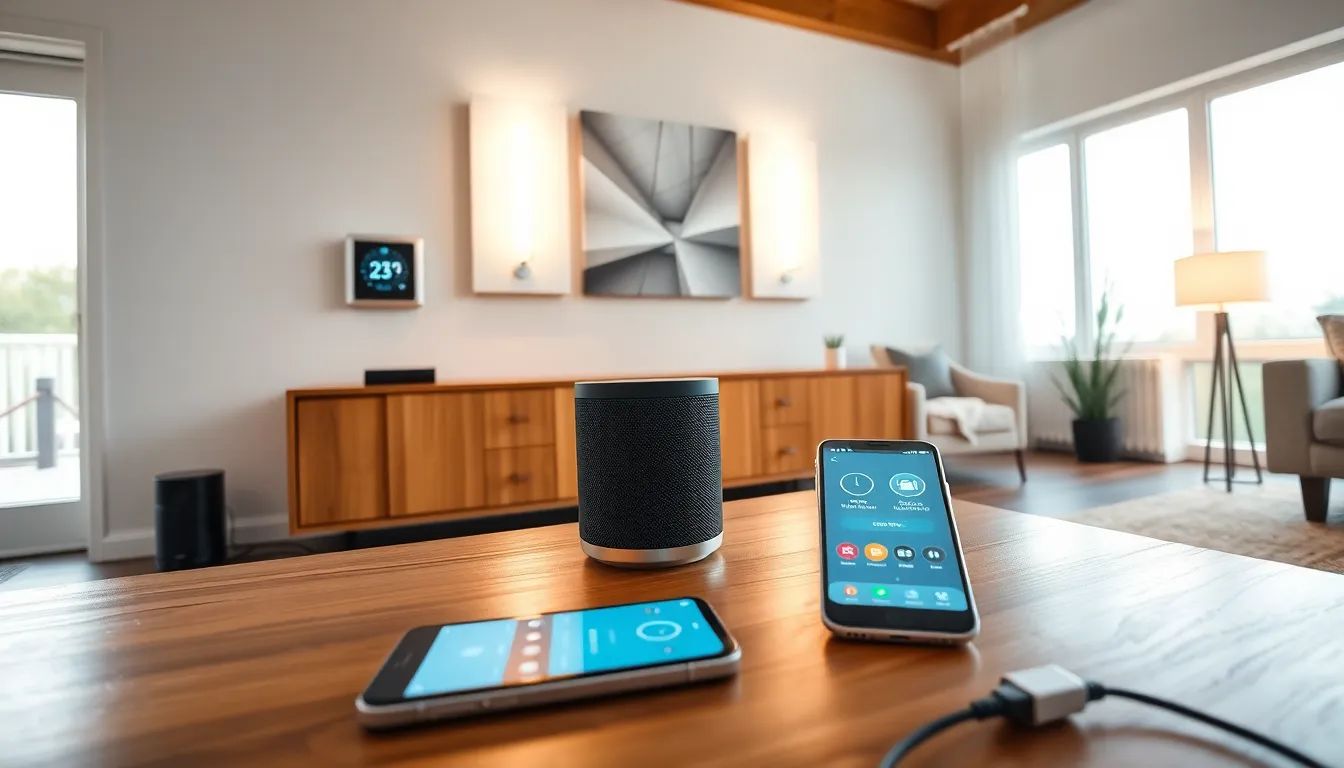
A smart home uses internet-connected devices to automate and control household functions. Homeowners can manage lighting, temperature, security, and appliances through smartphones, voice commands, or automated schedules. The concept has moved from science fiction to everyday reality. Today, millions of households rely on smart home technology to save energy, improve security, and add convenience to daily routines.
This guide explains how smart homes work, what components they require, and the benefits they offer. It also covers the challenges buyers should consider before investing in connected home technology.
Table of Contents
ToggleKey Takeaways
- A smart home uses internet-connected devices to automate lighting, temperature, security, and appliances through voice commands or smartphone apps.
- Smart homes rely on three core elements: connected devices, a communication network (Wi-Fi, Zigbee, Z-Wave), and a central control hub like Alexa or Google Home.
- Smart thermostats can reduce energy bills by 10-15%, while automated lighting adds further savings by turning off in empty rooms.
- Smart home security features include video doorbells, smart locks, and motion sensors that provide real-time alerts and remote monitoring.
- Before investing in smart home technology, consider compatibility between devices, privacy concerns, internet dependency, and potential subscription costs.
How Smart Homes Work
Smart homes rely on three core elements: connected devices, a communication network, and a central control system. Each device, whether a thermostat, doorbell camera, or smart speaker, connects to the home’s Wi-Fi network. This connection allows devices to send and receive data.
The central hub or app acts as the brain of the smart home. Popular platforms include Amazon Alexa, Google Home, and Apple HomeKit. These systems let users control multiple devices from a single interface. A homeowner can dim the lights, lock the doors, and adjust the thermostat with one voice command or app tap.
Automation takes smart home functionality further. Users create “routines” or “scenes” that trigger multiple actions at once. For example, a “Good Morning” routine might turn on lights, start the coffee maker, and read the day’s weather forecast. A “Leaving Home” scene could lock doors, turn off lights, and set the thermostat to an energy-saving mode.
Smart home devices communicate using several wireless protocols. Wi-Fi handles high-bandwidth tasks like streaming video from security cameras. Zigbee and Z-Wave use less power and work well for sensors and switches. Bluetooth connects nearby devices for quick pairing. Many smart homes use a combination of these protocols to balance speed, range, and battery life.
Cloud connectivity enables remote access. Homeowners can check security cameras, adjust settings, or receive alerts from anywhere with an internet connection. This feature makes smart home technology particularly valuable for frequent travelers or those managing vacation properties.
Key Components of a Smart Home
Building a smart home starts with selecting the right devices. Here are the most common components:
Smart Speakers and Voice Assistants
Devices like Amazon Echo, Google Nest, and Apple HomePod serve as the central command center for many smart homes. They respond to voice commands, answer questions, play music, and control other connected devices. Most smart home setups begin with one of these assistants.
Smart Lighting
Smart bulbs and switches let users control lights remotely, set schedules, and adjust brightness or color. Brands like Philips Hue, LIFX, and Wyze offer options at various price points. Smart lighting can reduce energy costs and improve home security by simulating occupancy when residents are away.
Smart Thermostats
Devices from Nest, Ecobee, and Honeywell learn household patterns and adjust heating and cooling automatically. A smart thermostat can cut energy bills by 10-15% by optimizing temperature settings based on occupancy and weather conditions.
Security Systems and Cameras
Smart home security includes video doorbells (Ring, Nest), indoor and outdoor cameras, motion sensors, and smart locks. These devices send real-time alerts to smartphones and allow remote monitoring. Many systems integrate with professional monitoring services for added protection.
Smart Plugs and Outlets
These simple devices turn ordinary appliances into smart ones. Plug a lamp or fan into a smart plug, and it becomes controllable through an app or voice command. Smart plugs offer an affordable entry point into smart home technology.
Smart Appliances
Refrigerators, ovens, washers, and dryers now come with smart features. A smart refrigerator can track expiration dates and create shopping lists. A smart oven can preheat remotely. These appliances add convenience but typically cost more than their traditional counterparts.
Benefits of Smart Home Technology
Smart home technology delivers practical advantages that explain its growing popularity.
Energy Savings
Smart thermostats, lighting, and plugs help households reduce energy consumption. The EPA estimates that smart thermostats alone save the average home $50 per year on heating and cooling. Smart lighting that turns off automatically in empty rooms adds further savings. Over time, these reductions can offset the initial investment in smart home devices.
Improved Security
Smart home security systems provide 24/7 monitoring without monthly fees (in many cases). Video doorbells let homeowners see and speak with visitors remotely. Smart locks eliminate the need for spare keys and allow temporary access codes for guests or service workers. Motion sensors and cameras deter intruders and provide evidence if incidents occur.
Convenience and Comfort
Voice control and automation remove friction from daily tasks. Adjusting the thermostat no longer requires walking across the house. Turning off forgotten lights happens with a phone tap. Smart home routines can prepare the house for bedtime or wake-up without manual intervention.
Accessibility
Smart home technology benefits people with mobility challenges or disabilities. Voice control eliminates the need to reach light switches or thermostats. Automated systems reduce physical tasks. Smart doorbells let users answer the door without getting up. These features help residents maintain independence.
Home Value
Real estate data suggests homes with smart features sell faster and at higher prices. A 2023 survey found that 77% of homebuyers consider smart home technology a desirable feature. Pre-installed smart systems can differentiate a property in competitive markets.
Common Challenges and Considerations
Smart home technology isn’t without drawbacks. Buyers should weigh these factors before investing.
Compatibility Issues
Not all smart devices work together. A Zigbee-based sensor might not communicate with a Wi-Fi-only hub. Different brands sometimes require separate apps. Before purchasing, buyers should verify that new devices integrate with their existing smart home ecosystem. The Matter standard, launched in 2022, aims to improve cross-platform compatibility, but adoption remains ongoing.
Privacy and Security Concerns
Connected devices collect data about household activities. Cameras, voice assistants, and sensors gather information that companies may store or share. Weak passwords and outdated firmware create vulnerabilities for hackers. Homeowners should use strong, unique passwords, enable two-factor authentication, and keep device software updated.
Internet Dependency
Most smart home features require an internet connection. If the Wi-Fi goes down, remote control and many automations stop working. Some devices offer local processing for basic functions, but cloud-dependent systems become limited during outages. Buyers should consider backup options for critical systems like security.
Setup Complexity
While individual devices are usually easy to install, building a comprehensive smart home takes time and technical knowledge. Integrating devices from multiple manufacturers, creating effective automations, and troubleshooting connectivity issues can frustrate less tech-savvy users. Professional installation services exist but add to the overall cost.
Ongoing Costs
Beyond the initial purchase price, some smart home services require subscriptions. Cloud storage for security camera footage, professional monitoring, and premium app features often carry monthly fees. These recurring costs add up and should factor into the total budget.