Smart thermostats have moved from luxury gadgets to practical tools that save homeowners real money on heating and cooling. The Cync Smart Thermostat, part of GE Lighting’s connected home ecosystem, brings app control, scheduling, and voice integration to HVAC management without the premium price tag of market leaders. For DIYers comfortable with basic electrical work, think replacing a light switch, installation takes about 30 minutes. This guide walks through what the Cync thermostat offers, how it stacks up against competitors, and whether it’s the right fit for a home’s heating and cooling needs.
Table of Contents
ToggleKey Takeaways
- The Cync Smart Thermostat offers app control, geofencing, and voice integration at $80–$100, delivering 90% of premium thermostat features for half the price.
- Installation takes about 30 minutes for DIYers comfortable with basic electrical work, though older homes without a C-wire may require professional installation or adapters.
- Smart features like 7-day scheduling, geofencing, and filter change reminders help homeowners save up to 8% on heating and cooling costs through preventing unnecessary HVAC runtime.
- The Cync lacks learning algorithms and HomeKit support, making it better suited for straightforward smart thermostat needs than complex smart home ecosystems.
- The touchscreen interface, built-in humidity monitoring, and energy usage tracking provide usable data and control without the complexity of premium learning thermostats.
- Compatibility checking is essential before purchase, as the Cync requires a 24-volt C-wire and works best with forced-air systems, heat pumps, and multi-stage setups rather than line-voltage systems.
What Is the Cync Smart Thermostat?
The Cync Smart Thermostat is a Wi-Fi-enabled programmable thermostat designed to control central heating and cooling systems through the Cync app (formerly C by GE). It replaces standard 24-volt HVAC thermostats and works with most forced-air systems, heat pumps, and multi-stage setups, though it doesn’t support line-voltage systems like electric baseboard heaters or high-voltage systems above 30 volts.
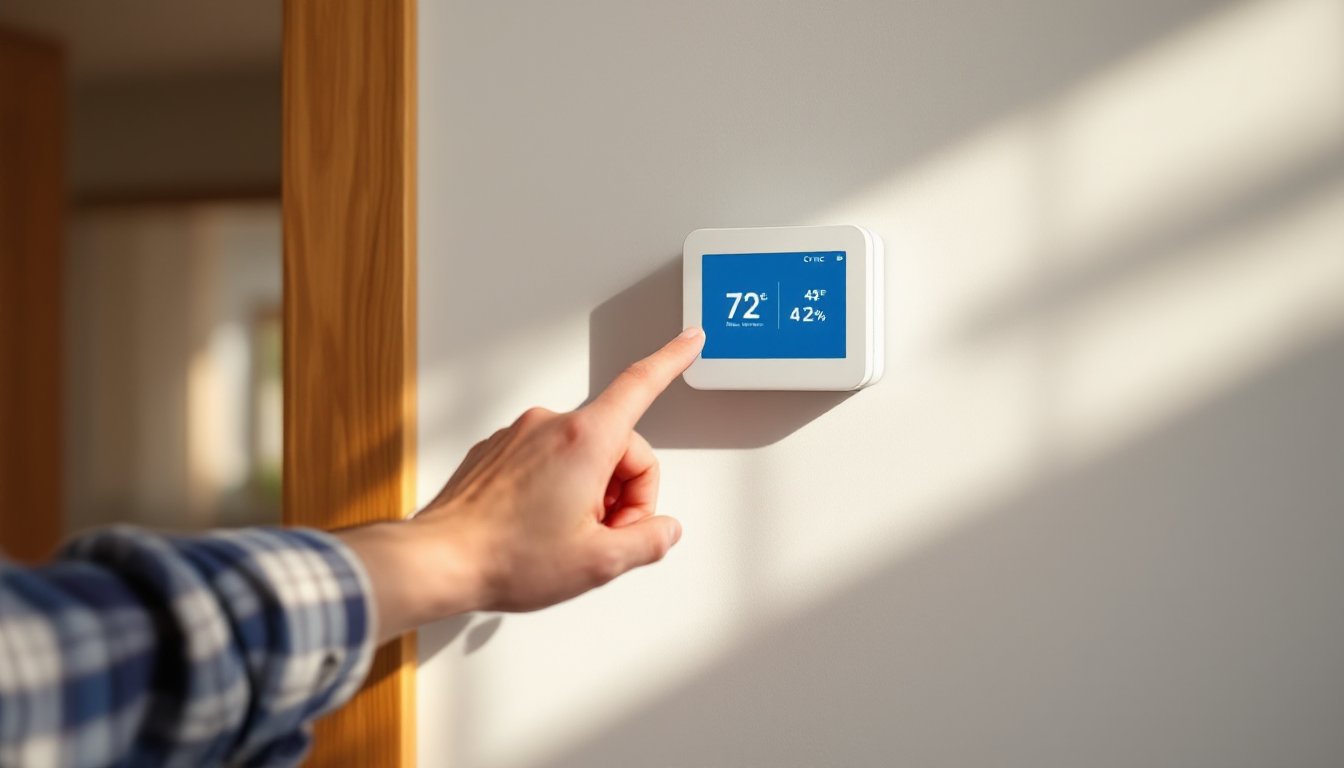
The device features a 3.5-inch color touchscreen for local control and displays current temperature, humidity levels, and system status. Unlike older programmable thermostats with cryptic button sequences, the Cync uses an intuitive touch interface that mirrors smartphone usability.
Compatibility matters before purchase. The thermostat requires a C-wire (common wire) for power, a 24-volt wire that provides continuous current. Homes built after 2000 usually have this wire, but older systems may not. If the existing thermostat has only four wires (typically R, G, Y, W), an adapter or professional installation may be necessary to add C-wire functionality. Cync doesn’t include a power adapter kit, unlike some competitors.
Key Features That Set Cync Apart
The Cync Smart Thermostat delivers core functionality without overcomplicating the user experience. 7-day scheduling allows different temperature settings for each day, useful for households with irregular routines. Users can create up to four daily periods (wake, away, home, sleep) with precise temperature targets.
Geofencing uses smartphone location to adjust temperatures automatically. When the last person leaves a geofenced radius (customizable from 0.5 to 10 miles), the system switches to away mode. When someone returns, it resumes the home schedule. This feature requires the Cync app to have location permissions enabled.
The thermostat tracks energy usage through the app, showing daily, weekly, and monthly runtime for heating and cooling. It doesn’t provide cost estimates unless users manually input utility rates, but the runtime data helps identify patterns, like an aging HVAC system running longer than expected.
Humidity monitoring is built-in, though the Cync doesn’t control humidifiers or dehumidifiers directly. It displays current relative humidity on the screen and in the app, which helps diagnose comfort issues. Ideal indoor humidity ranges from 30-50%: levels outside this range can make temperatures feel warmer or colder than they are.
The device supports filter change reminders based on runtime hours. Users set the filter lifespan (typically 30-90 days for standard 1-inch pleated filters), and the app sends a notification when replacement is due. This small feature prevents the most common HVAC maintenance mistake.
Smart Home Integration and Voice Control
The Cync thermostat integrates with Amazon Alexa and Google Assistant for voice commands. Users can say “Alexa, set the thermostat to 68 degrees” or “Hey Google, what’s the temperature in the living room?” These integrations work through the Cync app’s cloud connection, so Wi-Fi reliability matters.
It also works within the Cync smart home ecosystem, which includes smart bulbs, plugs, and light switches. Users can create routines, like setting lights to turn on and the thermostat to 72°F when arriving home. But, the thermostat doesn’t support Apple HomeKit, Z-Wave, or Zigbee, limiting integration with broader smart home platforms like SmartThings or Hubitat.
Setting Up Your Cync Smart Thermostat
Installation requires basic electrical skills and standard tools. Before starting, turn off power to the HVAC system at the breaker, not just at the thermostat. Voltage from a furnace or air handler can cause injury or equipment damage.
Tools and materials needed:
- Screwdriver (typically Phillips head)
- Wire labels (often included)
- Drill and level (if mounting holes don’t align)
- Smartphone with Cync app installed
Step-by-step installation:
- Remove the old thermostat. Pull the faceplate off and photograph the wire connections before disconnecting anything. Label each wire with the terminal letter it’s connected to (R, C, G, Y, W, etc.).
- Check for a C-wire. If there’s a wire connected to the C terminal, installation is straightforward. If not, check the wire bundle behind the thermostat, sometimes an unused wire is tucked in the wall. If no extra wire exists, options include running new thermostat wire (18/8 or 18/5 cable) back to the furnace, installing a C-wire adapter at the air handler, or hiring an HVAC tech.
- Mount the Cync base plate. The base should be level: HVAC systems aren’t affected by an unlevel thermostat, but it looks sloppy. If the old mounting holes don’t line up, use anchors for drywall or plaster.
- Connect wires to terminals. Match each labeled wire to the corresponding terminal on the Cync base. The most common configuration:
- R (or Rh): 24V power from heating
- C: Common (neutral)
- G: Fan
- Y: Cooling (compressor)
- W: Heating
Systems with heat pumps may also have O/B (reversing valve), Y2 (second-stage cooling), or W2 (second-stage heating) wires. The Cync supports up to two stages for heating and cooling.
5. Attach the thermostat to the base. It clicks into place with a satisfying snap.
6. Restore power and configure settings. The screen lights up and prompts for Wi-Fi setup. Use the Cync app to connect the thermostat to the network. The app will ask for system type (heat pump vs. conventional), number of stages, and whether the system has auxiliary heat.
If the system doesn’t turn on, double-check wire connections and verify the breaker is on. A blinking screen or error code usually indicates a wiring issue or incompatible system. The Cync app has a compatibility checker under support that walks through wire configurations.
Performance and Energy Savings
The Cync Smart Thermostat performs reliably for day-to-day temperature control. Temperature accuracy sits within ±1°F of actual room temperature, comparable to most mid-range thermostats. The system responds quickly to manual adjustments and schedule changes, with HVAC equipment typically firing within 30 seconds of a temperature call.
Energy savings depend heavily on how the thermostat is used. The EPA estimates that proper use of a programmable thermostat can save up to 8% on heating and cooling costs, about $180 annually for an average US household. The Cync’s geofencing and scheduling features make it easier to avoid heating or cooling an empty house, which is where the real savings occur.
One limitation: the Cync doesn’t offer learning algorithms like Nest or Ecobee. It won’t automatically adjust schedules based on usage patterns. Users must manually set and tweak schedules, which takes more upfront effort but gives precise control.
The app’s energy reports show runtime but don’t compare usage to neighbors or offer efficiency tips beyond filter reminders. For homeowners who want granular data and suggestions, this might feel limited. For those who just want basic tracking, it’s sufficient.
Cync Smart Thermostat vs. Competitors
The Cync typically retails for $80-$100, positioning it between basic programmable thermostats ($30-$50) and premium smart models ($200-$250). Here’s how it compares:
Cync vs. Google Nest Learning Thermostat: The Nest costs about $230 and includes auto-scheduling, learning algorithms, and broader smart home integration (Works with Google Home, limited HomeKit support). The Nest also has a more polished interface and Farsight display that lights up when someone walks by. But, the Cync offers 90% of the functionality for less than half the price. Homeowners who don’t need machine learning can save significantly.
Cync vs. Amazon Smart Thermostat: Amazon’s thermostat runs about $60-$80 and integrates tightly with Alexa but lacks a color touchscreen and has a more basic app interface. The Cync’s display and humidity tracking give it an edge in usability for the same price bracket.
Cync vs. Ecobee SmartThermostat: The Ecobee costs around $220 and includes a remote room sensor, which helps balance temperatures in multi-story homes or rooms far from the thermostat. It also supports HomeKit, SmartThings, and IFTTT. The Ecobee is the better choice for complex smart home setups, but the Cync wins for straightforward, budget-conscious installations.
The Cync Smart Thermostat makes the most sense for homeowners already invested in the Cync/GE smart home ecosystem or those wanting smart features without premium pricing.
Is the Cync Smart Thermostat Worth It?
For DIYers comfortable with low-voltage wiring and looking for a capable smart thermostat without overspending, the Cync delivers solid value. It handles the essentials, scheduling, remote control, geofencing, voice integration, without the learning curve or cost of top-tier models.
The lack of C-wire adapter and limited smart home platform support are the main drawbacks. Homeowners with older HVAC systems may face additional installation costs, and those using Apple HomeKit or advanced automation hubs will need to look elsewhere.
But for straightforward HVAC control with modern conveniences at a mid-range price, the Cync Smart Thermostat gets the job done. It won’t revolutionize home climate control, but it’ll keep the house comfortable while trimming energy waste, and that’s what most homeowners actually need from a thermostat.