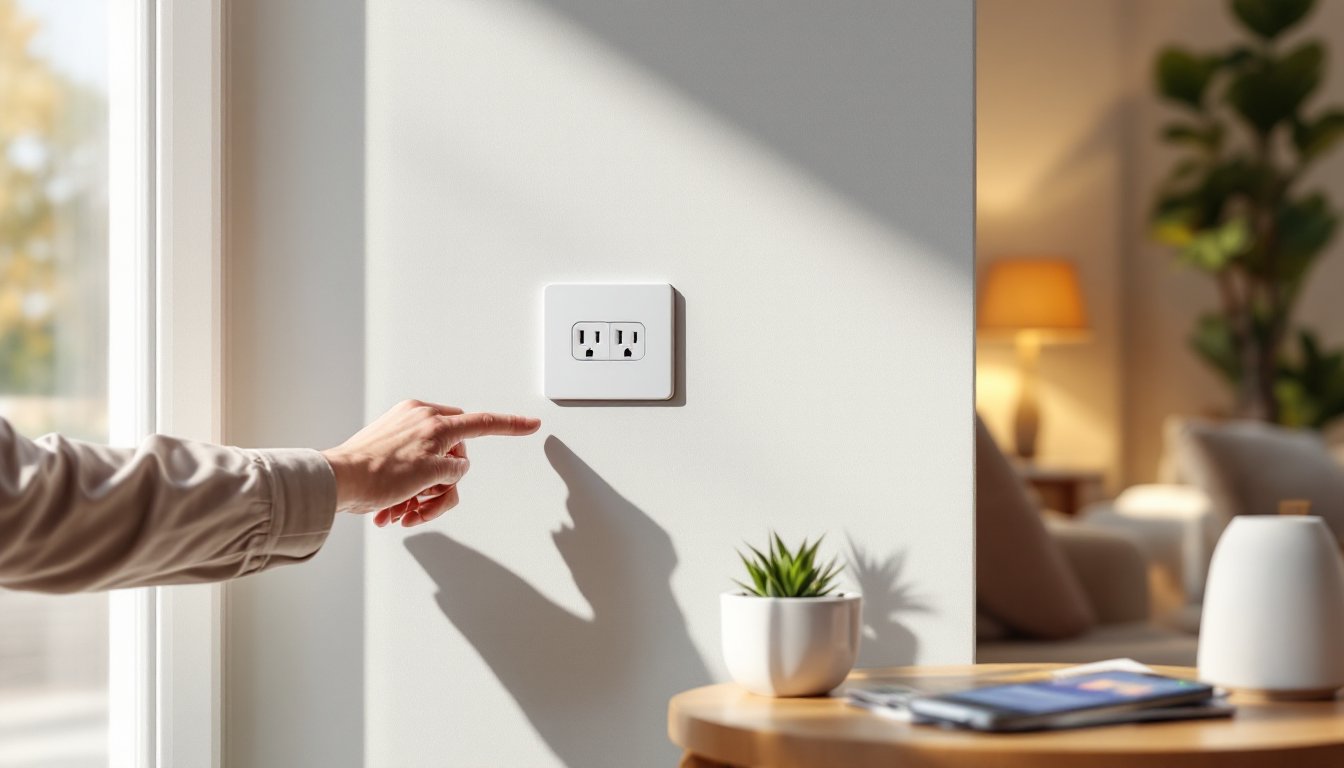
Smart wall outlets replace standard receptacles with Wi-Fi-enabled versions that offer remote control, scheduling, and energy monitoring, all without bulky plug-in adapters crowding outlets. Unlike smart plugs, these units integrate flush into the wall, preserving both outlets for use while adding automation to lights, fans, holiday decorations, or any hardwired appliance. They’re code-compliant when installed correctly, work with major voice assistants, and cost roughly $20–50 per outlet depending on features. For homeowners ready to retrofit existing switches without rewiring entire circuits, smart outlets deliver clean automation with minimal demolition.
Table of Contents
ToggleKey Takeaways
- A best smart wall outlet integrates flush into your wall, preserving both receptacles and eliminating visual clutter compared to bulky plug-in adapters.
- Smart outlets cost $20–50 per unit and justify their investment through remote control, energy monitoring, and scheduling automation without rewiring entire circuits.
- The Leviton Decora Smart Wi-Fi Outlet leads for reliability with dual independent control and compatibility with Alexa, Google Assistant, and Apple HomeKit.
- Proper installation requires shutting off power at the breaker, confirming a neutral wire exists, and connecting hot (black), neutral (white), and ground (copper/green) wires safely.
- Hire a licensed electrician if your home lacks a neutral wire, has aluminum wiring, or if you’re uncomfortable with line-voltage work, as incorrect installation risks fire and shock.
- Verify your router broadcasts a 2.4 GHz Wi-Fi signal before purchasing, since smart wall outlets don’t support 5 GHz connections and weak signals cause pairing failures.
What Makes a Smart Wall Outlet Worth Your Investment?
A smart wall outlet justifies its cost when it solves a specific problem: controlling hard-to-reach devices, reducing phantom draw from always-on electronics, or automating seasonal lighting without timers. Standard receptacles cost $2: smart versions run $20–50, so the value comes from convenience and efficiency rather than the hardware itself.
Key benefits include remote control via smartphone app, useful for killing power to a basement dehumidifier from bed or ensuring the garage shop vac is off before leaving town. Scheduling automates repetitive tasks like turning off a window AC unit at 10 p.m. or powering on a coffee maker at 6 a.m. Many models offer energy monitoring, displaying real-time wattage and cumulative kWh usage to identify power hogs or track appliance runtime.
Unlike smart plugs that block adjacent outlets and create visual clutter, smart wall outlets sit flush in a standard single-gang box, preserving both receptacles. They require a neutral wire (common in homes built after the 1980s, but check older homes) and 2.4 GHz Wi-Fi coverage at the installation location. Most integrate with Alexa, Google Assistant, or Apple HomeKit, enabling voice control and inclusion in automation routines.
Tradeoff: Installation involves working with line-voltage wiring. Homeowners comfortable replacing standard outlets can handle the swap, but anyone unfamiliar with electrical work should hire a licensed electrician. Incorrectly wired outlets risk fire, shock, or tripped breakers, this isn’t the project to learn on.
Top Smart Wall Outlets Reviewed and Ranked
Leviton Decora Smart Wi-Fi Outlet (D215S) leads for reliability and code compliance. This 15-amp, tamper-resistant receptacle includes two independently controllable outlets, energy monitoring on both, and compatibility with Alexa, Google Assistant, and Apple HomeKit. The My Leviton app provides scheduling, timers, and usage history. Leviton’s UL listing and established reputation with electricians make it a safe bet for DIYers concerned with permitting or inspection compliance. Expect to pay around $40–50. Caveat: Setup requires a strong 2.4 GHz signal: 5 GHz won’t work, and range extenders can cause pairing headaches.
TP-Link Kasa Smart Wi-Fi Outlet (KP200) offers dual control at a lower price, typically $25–35. Each outlet operates independently through the Kasa app, supports Alexa and Google Assistant (but not HomeKit), and includes basic scheduling. It lacks energy monitoring, which may disappoint users tracking consumption. Installation is straightforward with clear labeling on screw terminals. The plastic faceplate feels less premium than Leviton’s, but functionality is solid for budget-conscious projects.
Wemo WiFi Smart Plug Outlet (WSP080) splits the difference at $30–40, offering dual-outlet control, HomeKit support, and energy monitoring through the Wemo app. It integrates well with existing Wemo ecosystems and supports IFTTT for custom automations. Downside: The app interface is clunkier than competitors, and firmware updates occasionally disrupt connectivity. It’s a good middle-ground choice for Apple users who want energy data without Leviton’s premium.
GE CYNC Smart Outlet (formerly C by GE) rounds out the list for users invested in GE’s ecosystem. Priced around $35, it offers dual control, Alexa and Google Assistant compatibility, and basic scheduling. No energy monitoring. Setup can be finicky, some users report multiple pairing attempts, but once connected, performance is stable. Best for homeowners already using CYNC switches or bulbs who want unified control.
Key Features to Consider Before Buying
Voice Control and Smart Home Compatibility
Platform compatibility determines whether the outlet integrates with existing smart home devices. Alexa and Google Assistant support is nearly universal, but Apple HomeKit certification is less common and typically adds $10–15 to the price. HomeKit users gain access to Siri control and more robust privacy features, but the outlet must explicitly state HomeKit support, generic Wi-Fi devices won’t work.
Voice control relies on proper device naming in the app. Generic names like “Outlet 1” confuse voice assistants: specific labels like “garage workbench” or “bedroom fan” ensure accurate responses. Most smart outlets also integrate with routines or scenes, grouping multiple devices under one command (“Alexa, goodnight” can turn off all smart outlets on the first floor).
Check for Matter support if future-proofing is a priority. Matter is a new interoperability standard allowing devices to work across Alexa, Google, and Apple ecosystems without brand-specific hubs. As of 2026, adoption is growing, but not all smart outlets have been updated. Buyers planning long-term smart home expansion should prioritize Matter-certified models or manufacturers committed to firmware updates.
Energy Monitoring and Scheduling Capabilities
Energy monitoring displays real-time wattage, daily or monthly kWh usage, and estimated cost based on user-entered electricity rates. This feature helps identify phantom loads (devices drawing power when “off”), compare appliance efficiency, or verify that a malfunctioning device isn’t pulling excessive current. Outlets with monitoring typically cost $10–15 more than basic models.
Use cases include tracking a portable heater’s actual consumption versus its rated wattage, ensuring a garage refrigerator isn’t over-cycling due to a failing compressor, or calculating whether an always-on cable box justifies a smart outlet’s cost through standby power elimination.
Scheduling ranges from simple on/off timers to advanced routines. Basic models offer daily or weekly schedules (“turn on Monday–Friday at 7 a.m.”). Advanced versions include sunrise/sunset triggers (adjust automatically as daylight hours shift), randomization (simulate occupancy by varying on-times), and countdown timers (auto-off after a set duration). Homeowners automating holiday lights or seasonal fans benefit from scheduling without relying on mechanical timers that drift or fail.
Some outlets allow away mode, randomly toggling power to simulate occupancy during vacations. Effectiveness depends on controlled devices, a living room lamp on a random schedule suggests presence: a bathroom exhaust fan does not.
Installation Tips: DIY vs. Professional Setup
Safety first: Shut off power at the breaker, not just the switch. Use a non-contact voltage tester (around $15–25) to confirm the circuit is dead before touching wires. Wear safety glasses, wire ends can flick debris, and work in dry conditions.
Required tools: Flathead and Phillips screwdrivers, wire strippers, needle-nose pliers, voltage tester, and a headlamp or work light. A wire nut assortment is useful if existing connections are brittle.
Installation steps mirror standard outlet replacement:
- Remove the faceplate and unscrew the existing outlet from the box.
- Pull the outlet out gently, wires should have 6–8 inches of slack. If they’re stiff or cracked, trim and re-strip.
- Identify wires: Black (hot/line), white (neutral), bare copper or green (ground). Smart outlets require all three. Homes without a neutral wire (common pre-1980s) cannot use standard smart outlets without rewiring, consult an electrician.
- Connect wires to the smart outlet’s screw terminals or push-in connectors: hot to brass, neutral to silver, ground to green. Some outlets have additional wire leads for line/load designation if controlling downstream devices, refer to the manual.
- Tuck wires neatly into the box (avoid pinching), screw the outlet to the box ears, and attach the faceplate.
- Restore power at the breaker, then follow the manufacturer’s app instructions for Wi-Fi pairing (typically holding a button until an LED blinks).
Permit requirements vary by jurisdiction. Many municipalities classify outlet replacement as maintenance (no permit), but some require electrical permits for any work beyond lamp cord repair. Adding a new circuit or moving an outlet always requires a permit. Check with the local building department or an electrician before starting.
Hire a pro if: The box is metal and ungrounded, wires are aluminum (requires special connectors and anti-oxidant paste), the circuit frequently trips, or there’s no neutral wire. Licensed electricians charge $75–150 per outlet installed, including materials, worth it for peace of mind and code compliance. Incorrectly wired outlets can cause arcing, overheating, or failure to trip GFCI/AFCI breakers.
Troubleshooting common issues: If the outlet won’t pair, confirm the router broadcasts a 2.4 GHz network (smart outlets don’t support 5 GHz). If the outlet powers on but the app shows “offline,” the Wi-Fi signal may be weak, consider a mesh node or range extender nearby. If the outlet trips the breaker immediately, shut off power and verify the hot and neutral aren’t reversed or touching ground.
Conclusion
Smart wall outlets deliver automation and energy insight without sacrificing outlet access or visual appeal. They’re a practical upgrade for homeowners who’ve maxed out smart plugs or want cleaner integration with voice assistants. Installation is straightforward for anyone comfortable with basic electrical work, but hiring a licensed electrician ensures code compliance and safety, especially in older homes or jurisdictions with strict permitting. Choose based on platform compatibility, energy monitoring needs, and budget, and the result is a home that responds to voice commands, schedules, and real-time data.