
Smart homes have changed how people interact with their living spaces. These connected systems let homeowners control lighting, security, temperature, and appliances through voice commands or smartphone apps. The global smart home market reached $115 billion in 2024, and experts project continued growth as technology becomes more affordable and accessible.
This guide covers everything readers need to know about smart homes. It explains the core concepts, highlights essential devices, and outlines practical steps for getting started. Whether someone wants to save energy, improve security, or simply enjoy greater convenience, smart home technology offers solutions worth considering.
Table of Contents
ToggleKey Takeaways
- Smart homes use internet-connected devices to automate lighting, security, temperature, and appliances through voice commands or apps.
- Smart thermostats can reduce energy bills by 10-15%, saving households $50-180 annually according to the Department of Energy.
- Choose a primary ecosystem (Amazon Alexa, Google Home, or Apple HomeKit) before purchasing devices to ensure smooth integration.
- Start small with one or two devices that solve real problems, then build your smart home gradually based on needs and budget.
- Prioritize security by using strong passwords, enabling two-factor authentication, and keeping device firmware updated.
- 81% of homebuyers prefer properties with smart home technology already installed, potentially increasing your home’s value.
What Is a Smart Home?
A smart home uses internet-connected devices to automate and control household functions. These devices communicate with each other through a central hub or directly via Wi-Fi, Bluetooth, or Zigbee protocols. Homeowners can manage their smart home systems through dedicated apps, voice assistants, or automated routines.
The concept isn’t new. Home automation existed for decades, but early systems required expensive professional installation and proprietary equipment. Today’s smart homes are different. They rely on affordable, user-friendly devices that anyone can set up in minutes.
Three elements define a modern smart home:
- Connected devices: Physical products like thermostats, cameras, and speakers that connect to the internet
- Control interfaces: Apps, voice assistants (Alexa, Google Assistant, Siri), and physical controls
- Automation: Rules and routines that trigger actions automatically based on time, location, or sensor data
A smart home can be as simple as a single smart speaker or as complex as a fully integrated system managing every electrical device in the house.
Essential Smart Home Devices and Technologies
Building a smart home starts with understanding the core device categories. Each serves a specific purpose, and most smart homes combine several types.
Smart Speakers and Displays
Voice assistants form the backbone of many smart homes. Amazon Echo, Google Nest, and Apple HomePod devices respond to voice commands and control other connected products. Smart displays add screens for video calls, recipe viewing, and security camera feeds.
Smart Thermostats
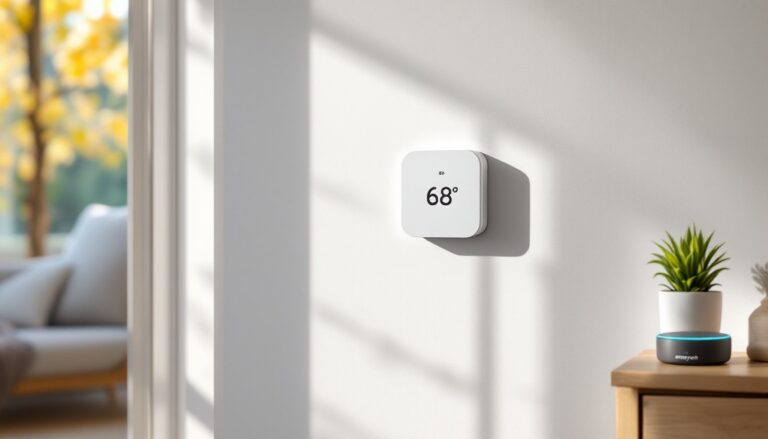
Devices like the Nest Learning Thermostat and Ecobee learn household schedules and adjust temperatures automatically. They reduce energy bills by 10-15% on average while maintaining comfort.
Smart Lighting
Philips Hue, LIFX, and similar brands offer bulbs that change color, dim on command, and follow automated schedules. Smart switches provide another option, they make existing fixtures controllable without replacing bulbs.
Security Systems
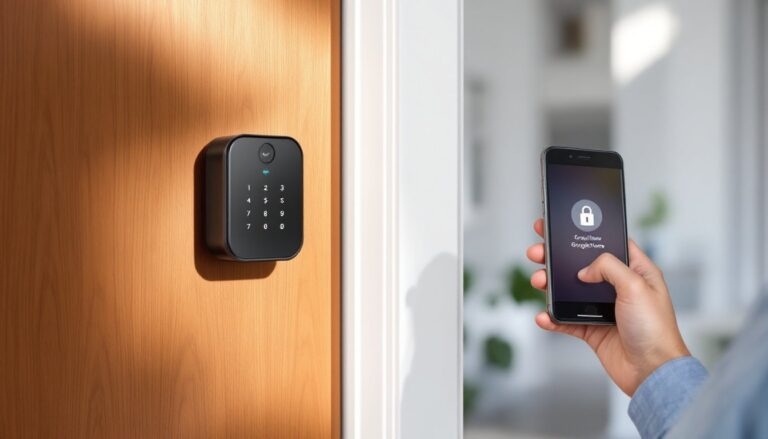
Smart home security includes video doorbells (Ring, Nest), indoor and outdoor cameras, motion sensors, and smart locks. These devices send alerts to smartphones and allow remote monitoring from anywhere.
Smart Plugs and Outlets
These affordable devices turn ordinary appliances into smart home products. A smart plug can make a lamp, coffee maker, or fan controllable through an app or voice command.
Smart Appliances
Refrigerators, washing machines, ovens, and robotic vacuums now include smart features. They offer remote control, maintenance alerts, and integration with other smart home systems.
Benefits of Living in a Smart Home
Smart homes deliver practical advantages that justify the investment for many households.
Energy Savings
Automated systems reduce waste. Smart thermostats lower heating and cooling costs. Smart lighting turns off in empty rooms. Energy monitoring devices identify power-hungry appliances. The Department of Energy estimates that smart thermostats alone save households $50-180 annually.
Enhanced Security
Smart home security provides peace of mind. Cameras record footage 24/7. Motion sensors detect unexpected activity. Smart locks eliminate the need for hidden keys and allow temporary access codes for guests or service providers. Homeowners receive instant alerts about potential problems.
Convenience
Voice commands and automation handle repetitive tasks. Telling a smart speaker to turn off all lights beats walking through the house flipping switches. Automated routines can start the coffee maker, adjust the thermostat, and play morning news, all triggered by a single alarm.
Accessibility
Smart home technology helps people with mobility challenges or disabilities. Voice control eliminates the need to reach switches or walk to thermostats. Automated door locks and lighting make independent living easier.
Home Value
Buyers increasingly expect smart features. A 2023 survey found that 81% of homebuyers preferred properties with smart home technology already installed.
Challenges and Considerations Before Getting Started
Smart homes aren’t perfect. Potential adopters should understand the limitations and risks.
Compatibility Issues
Not all devices work together. Some products require specific ecosystems (Apple HomeKit, Amazon Alexa, Google Home). The Matter standard, launched in 2022, aims to solve this problem by enabling cross-platform compatibility, but adoption remains incomplete.
Security Vulnerabilities
Connected devices create potential entry points for hackers. Weak passwords, outdated firmware, and unsecured networks put smart homes at risk. Owners must update devices regularly and use strong, unique passwords.
Reliability Concerns
Internet outages disable cloud-dependent smart home features. Some devices stop working entirely without connectivity. Others offer limited local control as a backup.
Privacy Questions
Smart speakers listen for wake words constantly. Cameras record footage that companies may store on their servers. Users should review privacy policies and understand what data companies collect.
Learning Curve
Setting up automations and integrations takes time. Some devices require technical knowledge to configure properly. Not everyone finds the process intuitive.
Ongoing Costs
Many smart home services require monthly subscriptions. Cloud storage for security cameras, advanced features, and professional monitoring add recurring expenses beyond the initial device purchase.
How to Start Building Your Smart Home
Starting a smart home doesn’t require a massive investment or technical expertise. A step-by-step approach works best.
Step 1: Choose an Ecosystem
Pick a primary platform: Amazon Alexa, Google Home, or Apple HomeKit. This decision shapes which devices integrate smoothly. Consider which voice assistant the household already uses and prefers.
Step 2: Start Small
Begin with one or two devices that solve real problems. A smart thermostat saves money immediately. A video doorbell addresses security concerns. Smart bulbs add convenience without major expense.
Step 3: Ensure Network Readiness
Smart homes demand reliable Wi-Fi. Older routers may struggle with multiple connected devices. A mesh network system improves coverage throughout the house.
Step 4: Prioritize Security
Create a separate network for smart home devices if the router supports it. Use strong passwords. Enable two-factor authentication. Keep firmware updated.
Step 5: Build Gradually
Add devices over time based on needs and budget. Each addition should integrate with existing products. Rushing leads to compatibility headaches and wasted money.
Step 6: Create Automations
Once several devices are installed, build routines that connect them. A “goodnight” routine might lock doors, lower the thermostat, and turn off lights. These automations deliver the real value of smart home living.